
From equations to simulations
Open-source computational physics
Eqiora turns mathematical models into simulations. Write the physics as equations, choose the numerical method separately, and inspect results that record how they were produced.
Release 0.1.3 · Read the release notes.
How it works
Model, numerics, result
Define the model
Write the quantities, equations, geometry, and boundary conditions in an Eqiora model.
Choose the numerics
Pick a discretization and solver separately, so the same model can be solved in different ways.
Inspect the result
Read fields, diagnostics, and plots, and trace each result back to the model and settings that produced it.
First example
Predict, run, and change a decay model
For dx/dt + kx = 0 with x(0) = 1 and a decay rate of one per second, the model predicts x(1) = exp(-1) ≈ 0.367879. Install Eqiora, run the model, then double the rate and check the new value.
Featured walkthrough
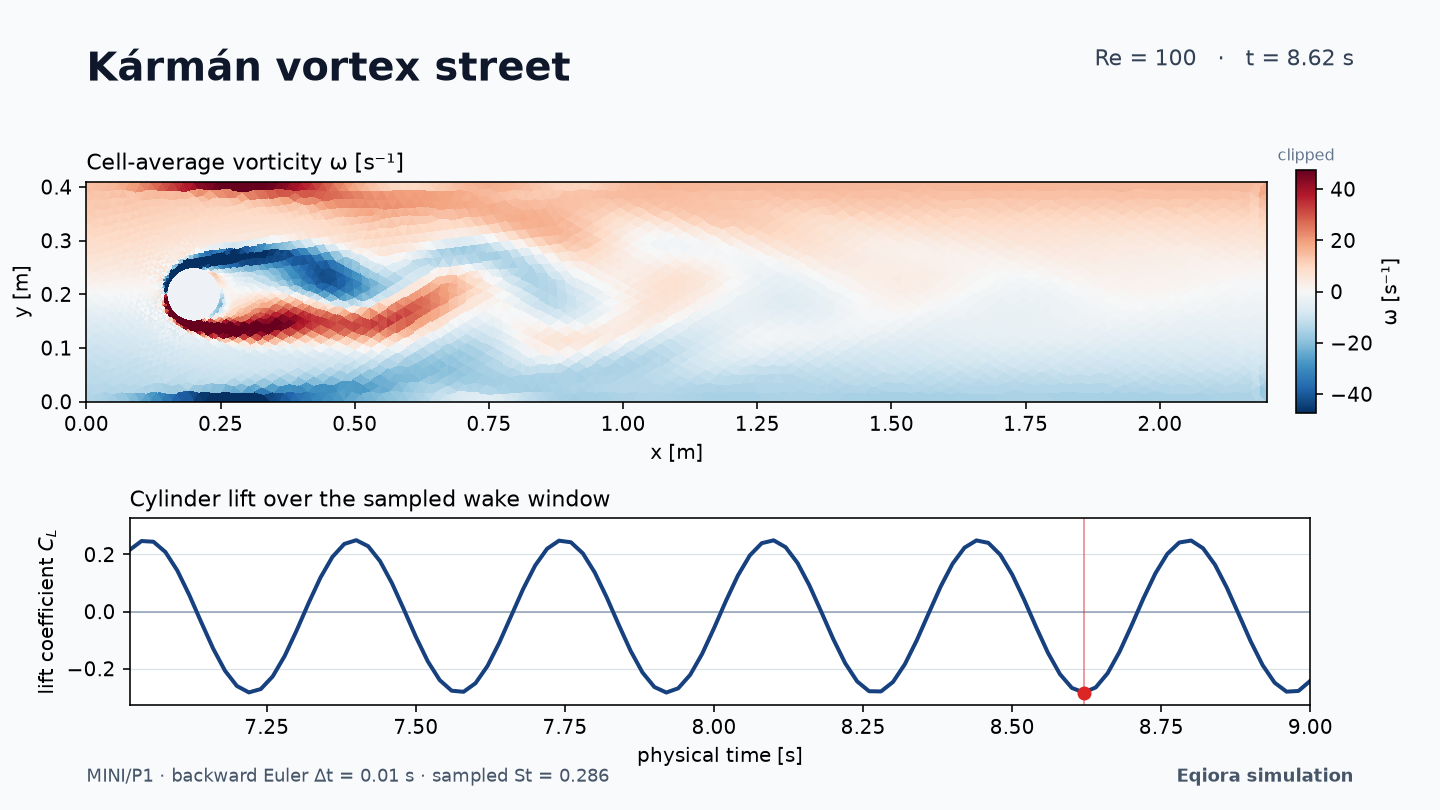
From channel geometry to a vortex street
The Kármán vortex-street example starts with the channel geometry and named boundaries and ends with an evolving vorticity field. The source, numerical setup, and results are on one page.
Explore the flow exampleDocumentation
Where to go next
Get started
Install with uv, run a small model, and change one parameter.
Learn
Work through derivations, physical examples, and exercises.
Guides
Author a model, choose numerics, inspect results, or diagnose a failure.
Gallery
Follow a complete investigation from physical setup to result.
Standard library
Reuse electrical components, sampled controls, fluid and solid laws, and boundary conditions.
Browse the reference
Find language examples, physical components, Python and Rust APIs, and CLI usage.
Contribute
Improve an example, add a numerical method, or work on the tools.